- Home
- Pricing
- About Us
- Partners
- Jobs
- Contact Us
- datasetAll in One Data Platform
- tuneFully Customizable
- widgetsAdaptable Widgets
- account_treeGuided Workflows
- psychologyAI Research Assistant
- cableInstrument & Software Integration
- securityEnterprise-Grade Security
- policyRegulatory Compliance
- webIntuitive User Interface
- support_agentExpert Support for Your Lab
- dnsData Centers
- qr_code_2Barcode/QR Code System
- articleElectronic Lab Notebook (ELN)
- inventory_2Inventory Management
- scienceLaboratory Information Management Systems (LIMS)
- calculateFormulation Management
- yardAgricultural Research Manager (ARM)
- health_and_safetyQuality Management System (QMS)
- businessBusiness Development
- todayProject Management
- attach_moneyFinancial Management
- descriptionReference Management
- differenceOther Applications
- biotechBiotech and Pharmaceutical Companies
- scienceContract Research Organizations (CROs)
- stethoscopeClinical Products/Services for Physician Office
- agricultureAgricultural Research Companies
- cloudBuild Any SaaS Application in Minutes with AI
- Login
- Free signup
- Watch demo videos
- Referral Program
- Subscribe to our newsletter
- Documentation
- Blogs
- Resources
- Screenshots
- Downloads
- Terms of Service
- Privacy Policy
AI Research Assistant
Configurable AI for Every Scientific Workflow
Overview
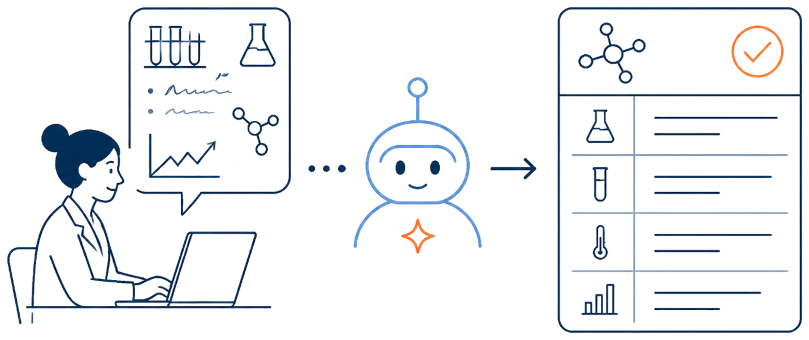
Labii AI Research Assistant brings configurable AI into ELN and LIMS workflows so researchers can turn unstructured input into structured records, automate repeatable data tasks, and receive contextual help where the work happens. Teams can create task-specific GPTs, choose an appropriate model for each job, manage token-based usage with credits, and disable AI whenever it is not needed.
Build a GPT for Every Research Task
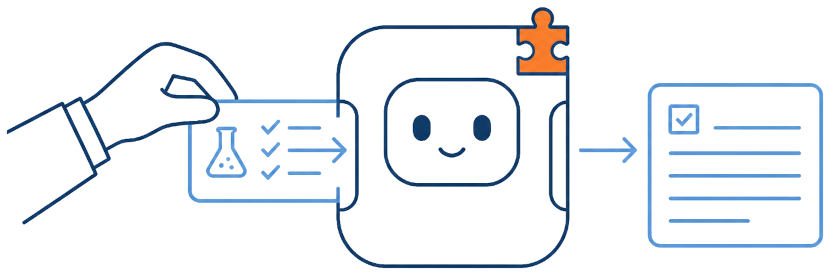
Create your own GPT in Labii and define the instructions it should follow for a repeatable task. A custom assistant can, for example, turn a researcher's daily input into structured experiment notes, helping teams standardize routine work while retaining control over the prompt and expected output.
Choose the Right AI Model for Every Task
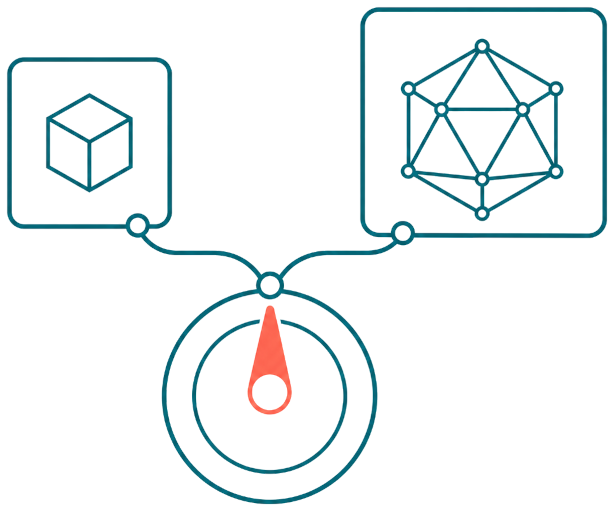
Select an AI model based on the work you need to complete. Use a lower-cost model for straightforward extraction or formatting, and choose a more advanced model for complex reasoning, scientific interpretation, or demanding generation tasks—balancing capability, speed, and cost.
Token-Based AI Credits Keep Usage Transparent
Each AI conversation consumes Labii credits according to the model used and the number of tokens processed. Add credits before using the AI Assistant and monitor the balance as your team works; when no credits remain, AI actions pause until additional credits are added.

Turn AI Off Whenever You Don't Need It
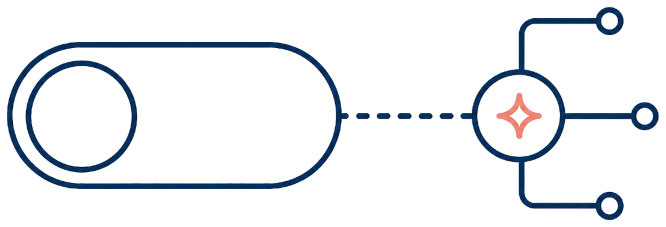
AI assistance in Labii is optional. Turn it off when your organization does not need AI, wants to control usage, or prefers a workflow without AI; the rest of the Labii platform remains available for your research and data-management work.
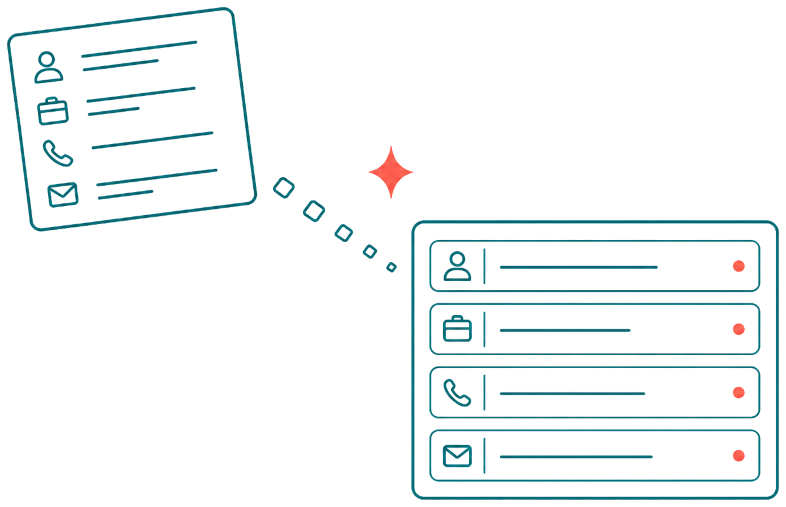
Fill Complete Forms from Pasted Data
Paste source data into the form-level AI Assistant and let Labii parse the content into the appropriate fields. For example, an email signature can be separated into a person's name, job title, phone number, email address, and other available details, reducing repetitive manual entry.
Run AI Tasks Where Each Field Needs Them
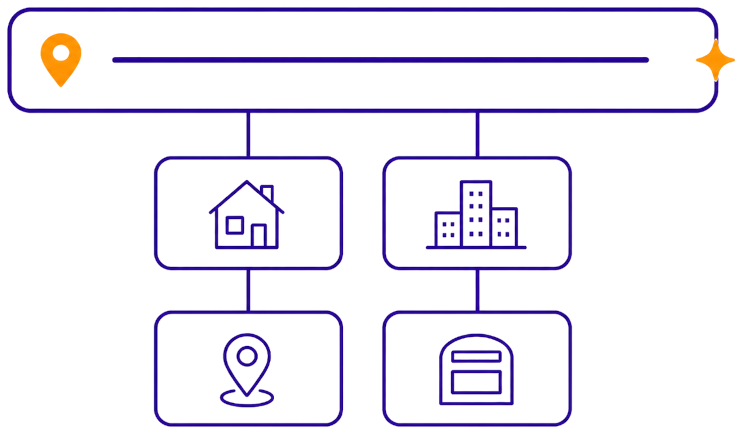
Configure an AI Assistant for field-specific work so users can transform data directly where it belongs. A long address string, for example, can be parsed into street address, city, state, postal code, and other related fields without manually separating every value.
Automate Column-Specific Data Enrichment
Assign a repeatable AI task to a column so Labii can enrich the same type of information across records. In Labii CRM, for example, a website column can use an account's company name to identify and populate its official website, keeping data more complete with less manual research.

Give Every Record Section Its Own Specialist
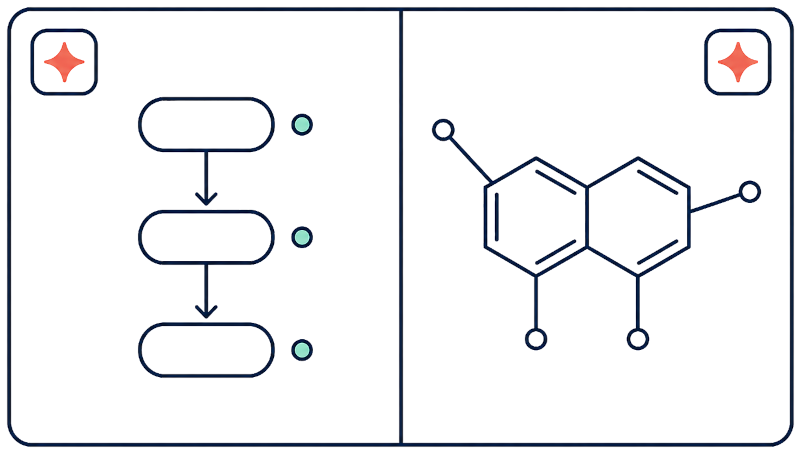
Each record section can provide an AI Assistant tailored to the widget and the work performed there. The Flowchart widget can generate a flowchart from a description, while the Ketcher chemical drawing widget can turn a chemical name or description into a structure—keeping assistance relevant to the research context.
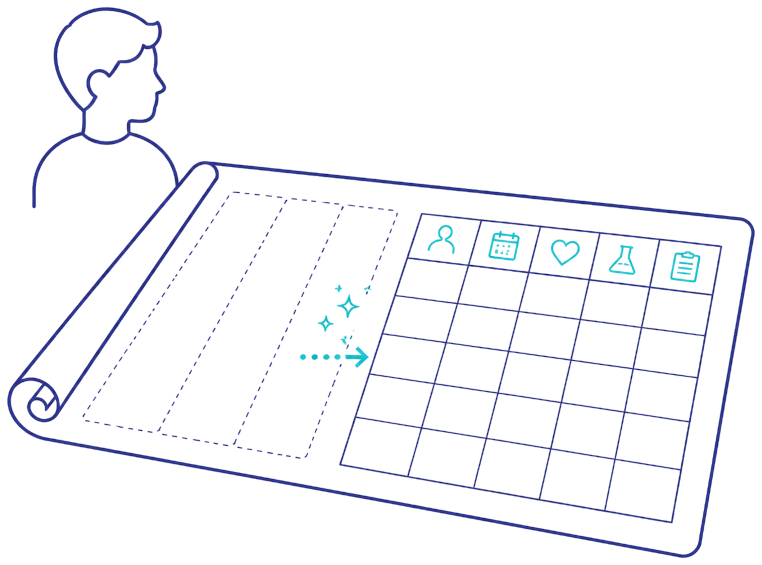
Design Data Structures with Advanced AI
Advanced AI assistance can support higher-level configuration tasks, including the design of table columns. Enter a subject such as patient, and the assistant can propose relevant columns for organizing identifiers, demographics, contact details, and other patient-related information that your team can review before use.
AI for Research, Improved Continuously

AI-assisted research is still evolving, and Labii is continually improving how the AI Assistant supports scientific work. We will continue expanding task coverage, model choices, controls, and research-specific workflows so teams can adopt useful advances as the technology develops.
Ready to Build a Better Way to Run Your Lab?
Turn scattered data and manual workflows into one configurable scientific platform. Start free to build your first Labii application, or request a personalized demo to see how your team can work faster, stay compliant, and scale without replacing the processes that already work.
Refer a company to Labii and earn free months for each seat they sign.