- Home
- Pricing
- About Us
- Partners
- Jobs
- Contact Us
- datasetAll in One Data Platform
- tuneFully Customizable
- widgetsAdaptable Widgets
- account_treeGuided Workflows
- psychologyAI Research Assistant
- cableInstrument & Software Integration
- securityEnterprise-Grade Security
- policyRegulatory Compliance
- webIntuitive User Interface
- support_agentExpert Support for Your Lab
- dnsData Centers
- qr_code_2Barcode/QR Code System
- articleElectronic Lab Notebook (ELN)
- inventory_2Inventory and Lab Operations
- scienceLaboratory Information Management Systems (LIMS)
- scienceChemistry
- calculateFormulation Management
- yardAgricultural Research Manager (ARM)
- health_and_safetyQuality Management System (QMS)
- businessBusiness Development
- todayProject Management
- attach_moneyFinancial Management
- descriptionReference Management
- differenceOther Applications
- biotechBiotech and Pharmaceutical Companies
- scienceContract Research Organizations (CROs)
- stethoscopeClinical Products/Services for Physician Office
- agricultureAgricultural Research Companies
- cloudBuild Any SaaS Application in Minutes with AI
- Login
- Free signup
- Watch demo videos
- Referral Program
- Subscribe to our newsletter
- System status
- Documentation
- Blogs
- Resources
- Screenshots
- Downloads
- Terms of Service
- Privacy Policy
Inventory Management
Know what you have, where it is, and how it is used.
Overview
Labii Inventory Management connects material definitions, lot-level stock, storage, purchasing, receiving, and consumption in one configurable system. Teams can follow what they have, where it is stored, and how it is used across ELN experiments and formulations. Barcode workflows and remaining-stock calculations keep routine inventory work tied to the same records.

One Materials Table for Every Inventory Type
Define reagents, consumables, samples, solutions, and other inventory in one configurable Materials table. A consistent record structure makes items easier to organize, relate, and find while preserving the fields each material type needs.

Keep Batches and COAs Together

Group stock by batch and keep lot details, manufacturing information, and Certificates of Analysis with the corresponding records. Teams can review the information in context before using material from that batch.
Track Every Lot with Confidence
Maintain a separate stock record for each lot, including quantities, expiration details, and storage locations. Lot-level history helps teams identify the exact material available for work and follow it through use.
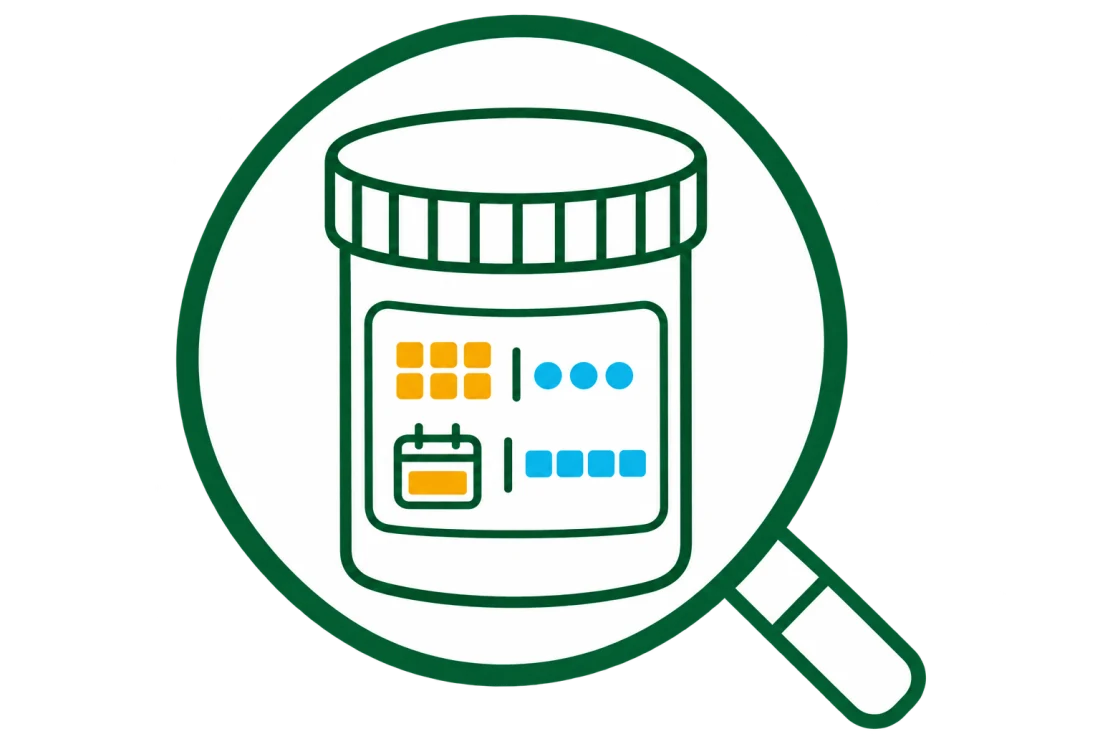
Know Exactly Where Every Stock Is Stored
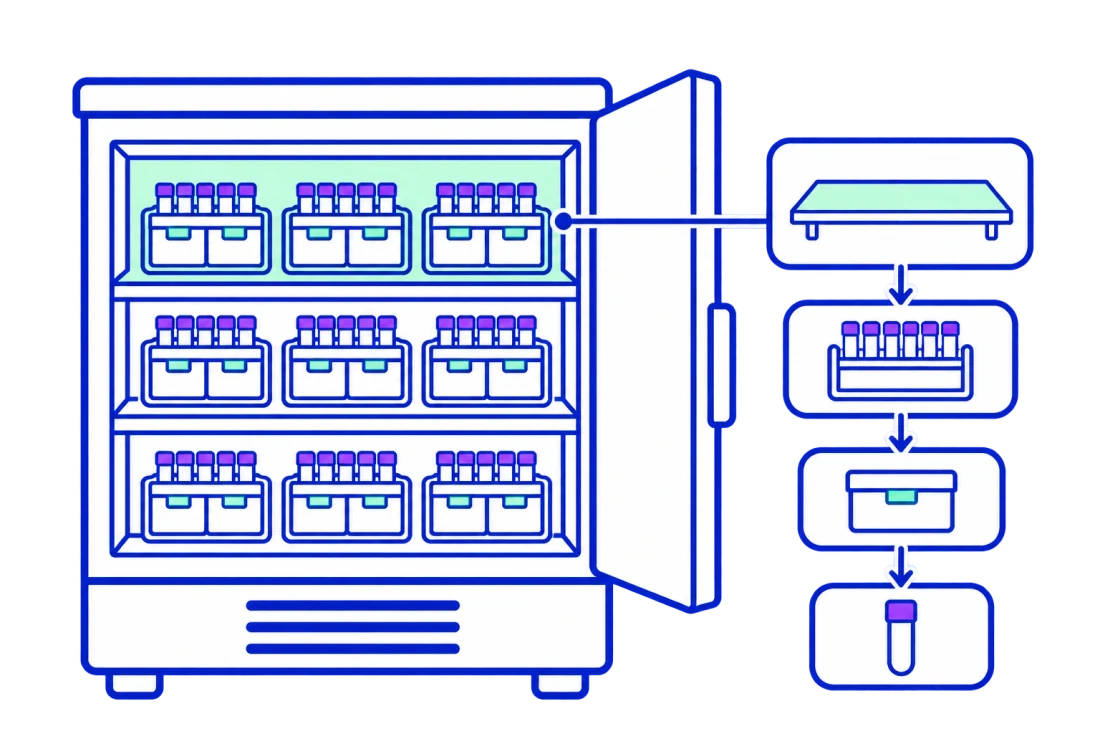
Model storage from rooms and freezers down to shelves, racks, boxes, and positions. Linking each stock to its location makes it faster to find, move, and account for inventory.
Reorder Before Stock Runs Low
Connect inventory with Purchase Management so low stock can move into the ordering process. Teams can use current availability to decide what to purchase and follow the replenishment workflow without rebuilding item details.
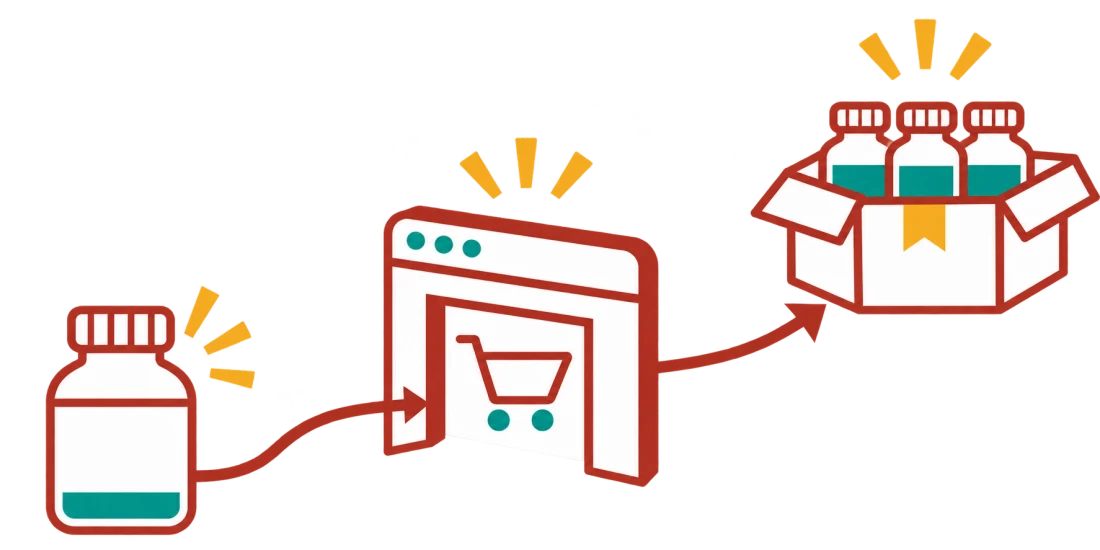
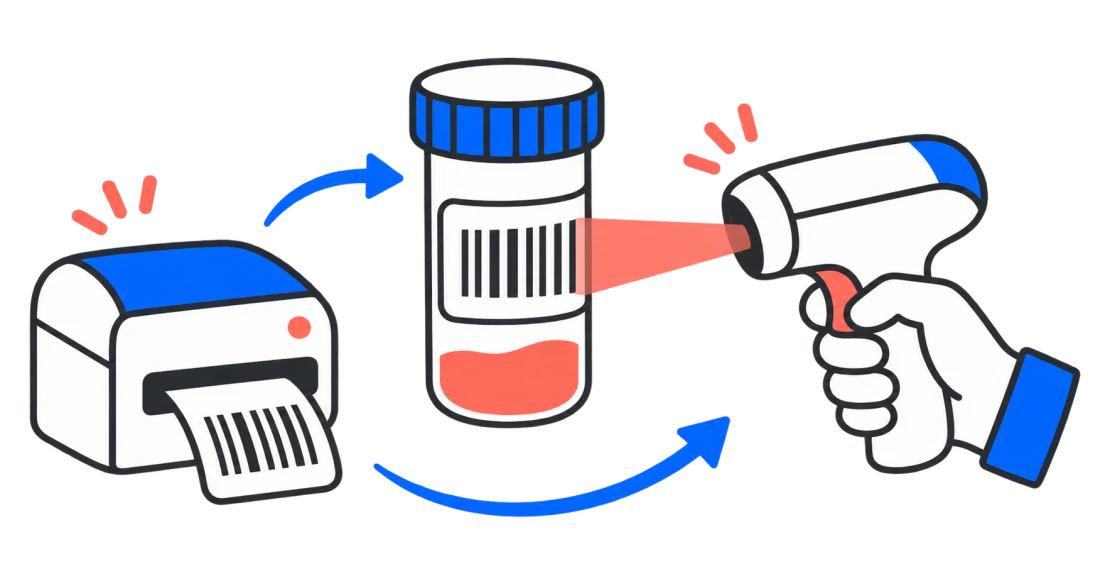
Receive New Lots and Print Labels in One Flow

Register incoming supplies as new lots through the receiving workflow and capture the details needed for stock records. Print labels directly as items are received so containers can be identified before they enter storage.
Connect Inventory Use to Experiments and Formulations
Link stock consumption to ELN experiments to show which materials were used in scientific work. Inventory can also be selected in the formulation widget, keeping material use connected to the record that consumed it.
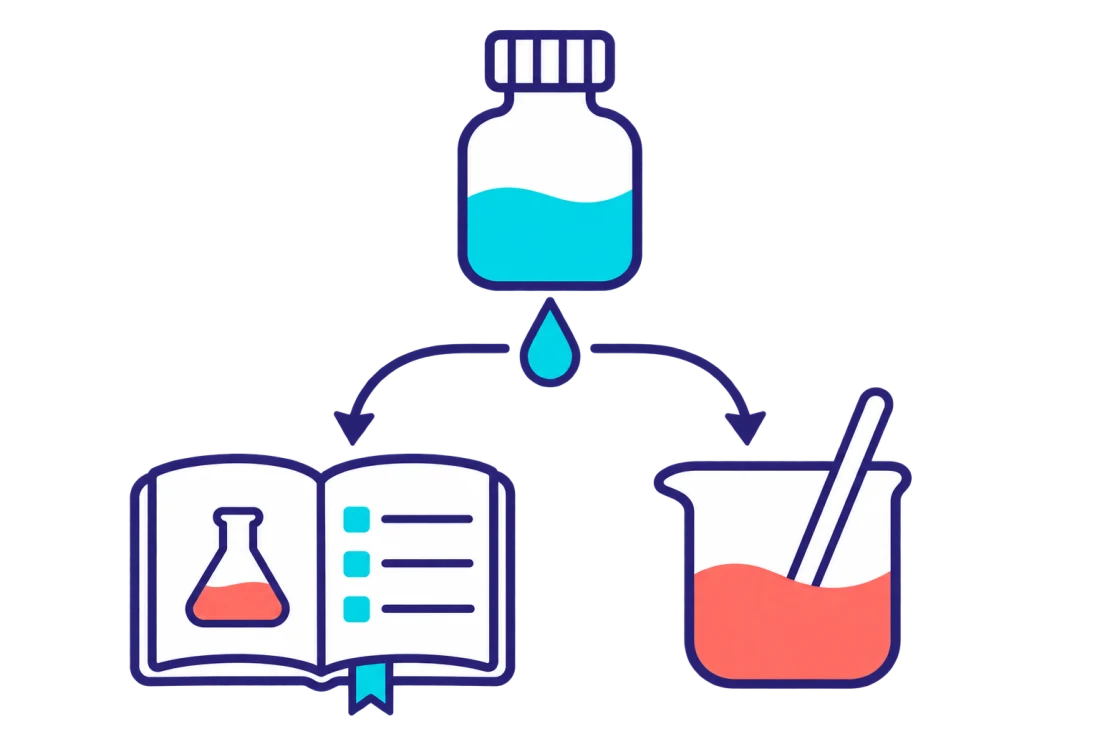
See What Is Left After Every Use

Calculate remaining stock from the recorded starting quantity and subsequent consumption. Updated balances give teams a clearer view of what is still available for upcoming work.
Print, Scan, and Use Inventory Faster
Print barcodes for stock containers and scan them to open the correct inventory record during routine work. Scanning supports faster identification and helps users select the intended item when recording use.
Shape Inventory Around Your Organization
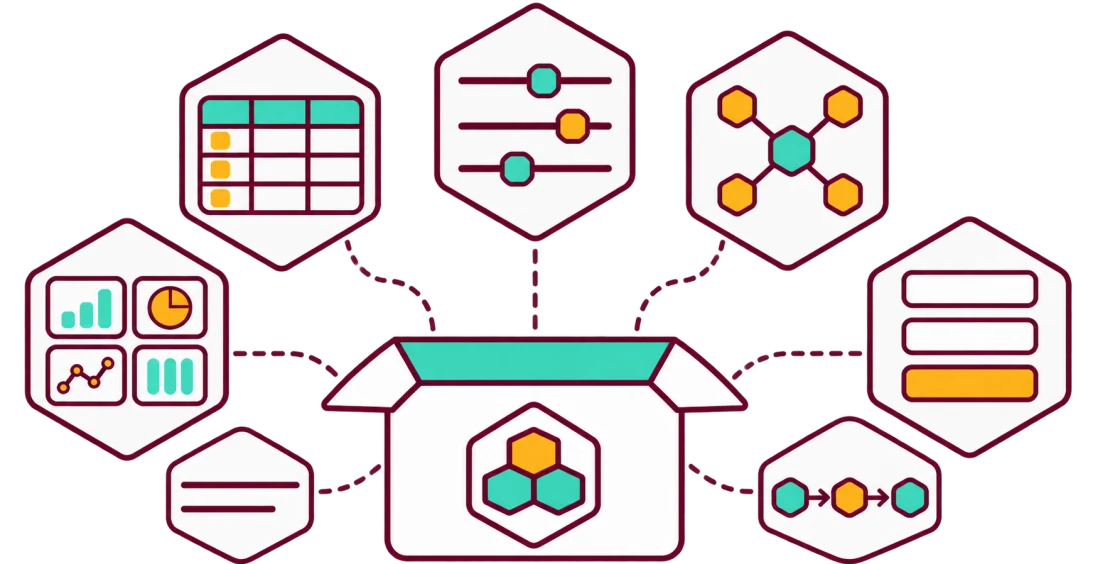
Configure tables, fields, relationships, dashboards, forms, and workflows around the way your organization manages inventory. This adaptable structure supports different material types and operating processes without forcing every team into one fixed model.
Laboratory Inventory Software Comparison
Laboratories often compare how inventory software structures stock, connects work, and adapts to local processes. The table summarizes each vendor's publicly documented focus and highlights Labii's differentiator: configurable tables, fields, relationships, dashboards, forms, and workflows that adapt to organizational requirements.
| Software | Documented focus | Inventory model | Connected work | Documented configuration |
|---|---|---|---|---|
| Labii Inventory Management | Configurable laboratory inventory connected with broader operations | Materials, batches, lot-level stocks, quantities, and hierarchical storage | Purchase management, receiving, ELN experiments, and formulations | Tables, fields, relationships, dashboards, forms, and workflows |
| Benchling Inventory | Biotech sample and reagent management connected with R&D data | Samples, containers, boxes, plates, and hierarchical locations | Benchling Registry, Notebook experiments, results, and instruments | Inventory schemas, storage types, locations, containers, and box dimensions |
| Quartzy | Laboratory supply requests, purchasing, receiving, and inventory | Supplies with locations, lots, expiration dates, and stock thresholds | Request, approval, purchase order, receipt, invoice, and inventory flow | Request fields, approval workflows, inventory columns, and reorder settings |
| LabArchives Inventory | Organization, tracking, usage, and ordering of laboratory inventory | Custom inventory types, item details, quantities, and multilevel storage | LabArchives ELN entries, item usage, order requests, and receiving | Inventory types, detail fields, storage locations, roles, and permissions |
| eLabNext Inventory | Sample and inventory tracking within the eLabNext platform | Samples, sample series, compartments, storage locations, boxes, and quantities | Experiments, procedures, notes, equipment, and mobile inventory access | Sample types, identifiers, table views, columns, and shared views |
Coverage note (November 2026): This comparison reflects publicly documented capabilities from official vendor sources. Offerings and packaging can change; confirm current requirements with each vendor.
Ready to Build a Better Way to Run Your Lab?
Turn scattered data and manual workflows into one configurable scientific platform. Start free to build your first Labii application, or request a personalized demo to see how your team can work faster, stay compliant, and scale without replacing the processes that already work.
Watch demo videosStart free trial
Refer a company to Labii and earn free months for each seat they sign.