- Home
- Pricing
- About Us
- Partners
- Jobs
- Contact Us
- datasetAll in One Data Platform
- tuneFully Customizable
- widgetsAdaptable Widgets
- account_treeGuided Workflows
- psychologyAI Research Assistant
- cableInstrument & Software Integration
- securityEnterprise-Grade Security
- policyRegulatory Compliance
- webIntuitive User Interface
- support_agentExpert Support for Your Lab
- dnsData Centers
- qr_code_2Barcode/QR Code System
- articleElectronic Lab Notebook (ELN)
- inventory_2Inventory Management
- scienceLaboratory Information Management Systems (LIMS)
- calculateFormulation Management
- yardAgricultural Research Manager (ARM)
- health_and_safetyQuality Management System (QMS)
- businessBusiness Development
- todayProject Management
- attach_moneyFinancial Management
- descriptionReference Management
- differenceOther Applications
- biotechBiotech and Pharmaceutical Companies
- scienceContract Research Organizations (CROs)
- stethoscopeClinical Products/Services for Physician Office
- agricultureAgricultural Research Companies
- cloudBuild Any SaaS Application in Minutes with AI
- Login
- Free signup
- Request a demo
- Referral Program
- Subscribe to our newsletter
- Documentation
- Blogs
- Resources
- Screenshots
- Downloads
- Terms of Service
- Privacy Policy
Instrument & Software Integration
Connect every lab instrument and software system in one seamless ecosystem
Overview
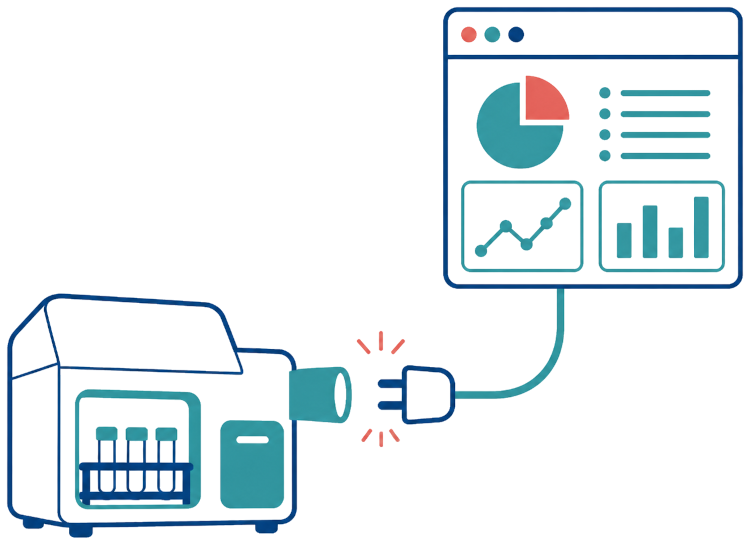
Labii Integration connects laboratory instruments and software systems to the same ELN and LIMS workflows. Teams can use the REST API, Python and JavaScript SDKs, API Widget, folder monitoring, direct browser access, and serial-port capture to move results into Labii with less manual handling. Choose the connection method that fits each instrument or platform while keeping scientific data organized and accessible.
One API for Every Integration
Labii's REST API provides a common foundation for connecting instrument software, internal systems, and third-party platforms. Use consistent endpoints to create, retrieve, update, and delete Labii records, so every integration can exchange structured data through the same documented interface.
read_moreExplore the Labii API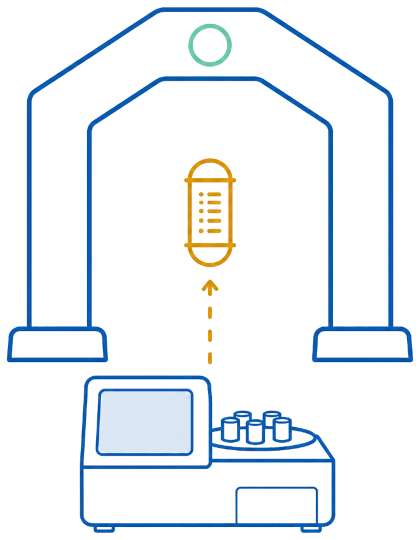
Build Faster with Python and JavaScript SDKs
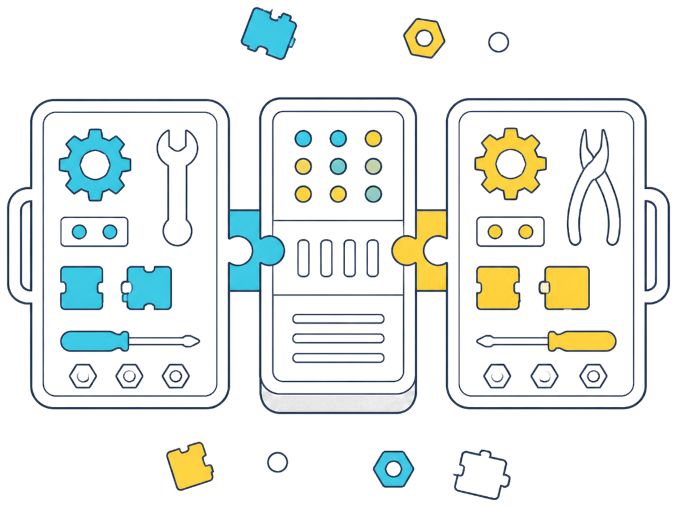
Use Labii SDKs for Python and JavaScript to work with the API through familiar, language-native methods. Developers can authenticate, query data, and create or update records without rebuilding low-level request handling, making custom connectors and automations faster to develop and easier to maintain.
Exchange Data with One Click Using the API Widget
Labii's API Widget provides a Postman-like interface for configuring GET, POST, PATCH, and DELETE requests without building a separate integration screen. Connect Labii to a target platform, define the request once, and let users exchange data directly from their workflow with one click.
read_moreLearn more about the API Widget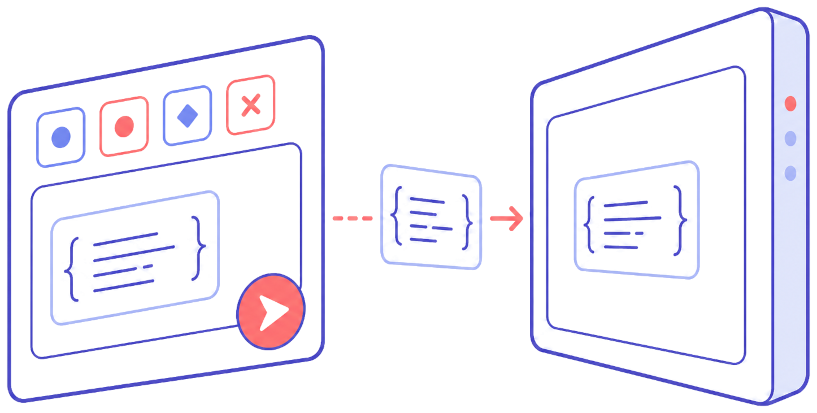
Automatically Upload Results with watch_folder

Use the SDK's watch_folder function to monitor an instrument output directory and automatically upload newly generated result files to Labii. This hands-off workflow reduces repetitive file handling and helps teams collect instrument output promptly and consistently.
Upload Results Directly from Instrument Computers
When an instrument includes a computer with internet access, operators can open Labii directly in the browser and work from the relevant experiment record. Upload generated files as soon as a run finishes without installing a separate connector or carrying data between computers.

Capture Serial Port Data Directly in Labii
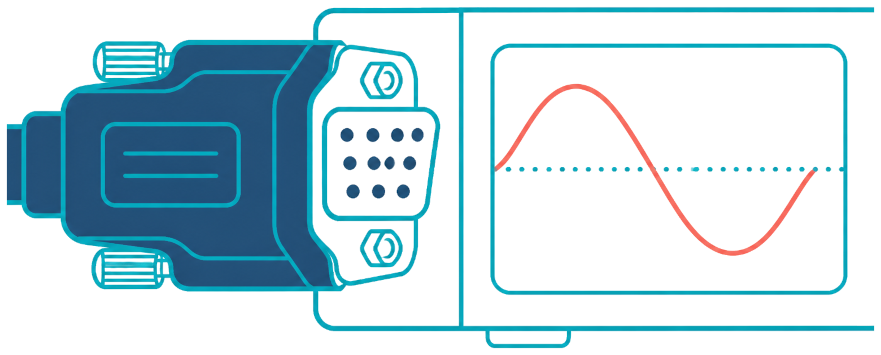
For instruments with a serial port, Labii's Serial Port Widget can read device output directly into the laboratory workflow. Configure settings such as the port, baud rate, and data bits, then capture measurements without manually transcribing values from the instrument.
Ready to Build a Better Way to Run Your Lab?
Turn scattered data and manual workflows into one configurable scientific platform. Start free to build your first Labii application, or request a personalized demo to see how your team can work faster, stay compliant, and scale without replacing the processes that already work.
Refer a company to Labii and earn free months for each seat they sign.