- Home
- Pricing
- About Us
- Partners
- Jobs
- Contact Us
- datasetAll in One Data Platform
- tuneFully Customizable
- widgetsAdaptable Widgets
- account_treeGuided Workflows
- psychologyAI Research Assistant
- cableInstrument & Software Integration
- securityEnterprise-Grade Security
- policyRegulatory Compliance
- webIntuitive User Interface
- support_agentExpert Support for Your Lab
- dnsData Centers
- qr_code_2Barcode/QR Code System
- articleElectronic Lab Notebook (ELN)
- inventory_2Inventory Management
- scienceLaboratory Information Management Systems (LIMS)
- calculateFormulation Management
- yardAgricultural Research Manager (ARM)
- health_and_safetyQuality Management System (QMS)
- businessBusiness Development
- todayProject Management
- attach_moneyFinancial Management
- descriptionReference Management
- differenceOther Applications
- biotechBiotech and Pharmaceutical Companies
- scienceContract Research Organizations (CROs)
- stethoscopeClinical Products/Services for Physician Office
- agricultureAgricultural Research Companies
- cloudBuild Any SaaS Application in Minutes with AI
- Login
- Free signup
- Watch demo videos
- Referral Program
- Subscribe to our newsletter
- Documentation
- Blogs
- Resources
- Screenshots
- Downloads
- Terms of Service
- Privacy Policy
Bookkeeping
Bookkeeping That Adapts to the Way Your Organization Works
Overview
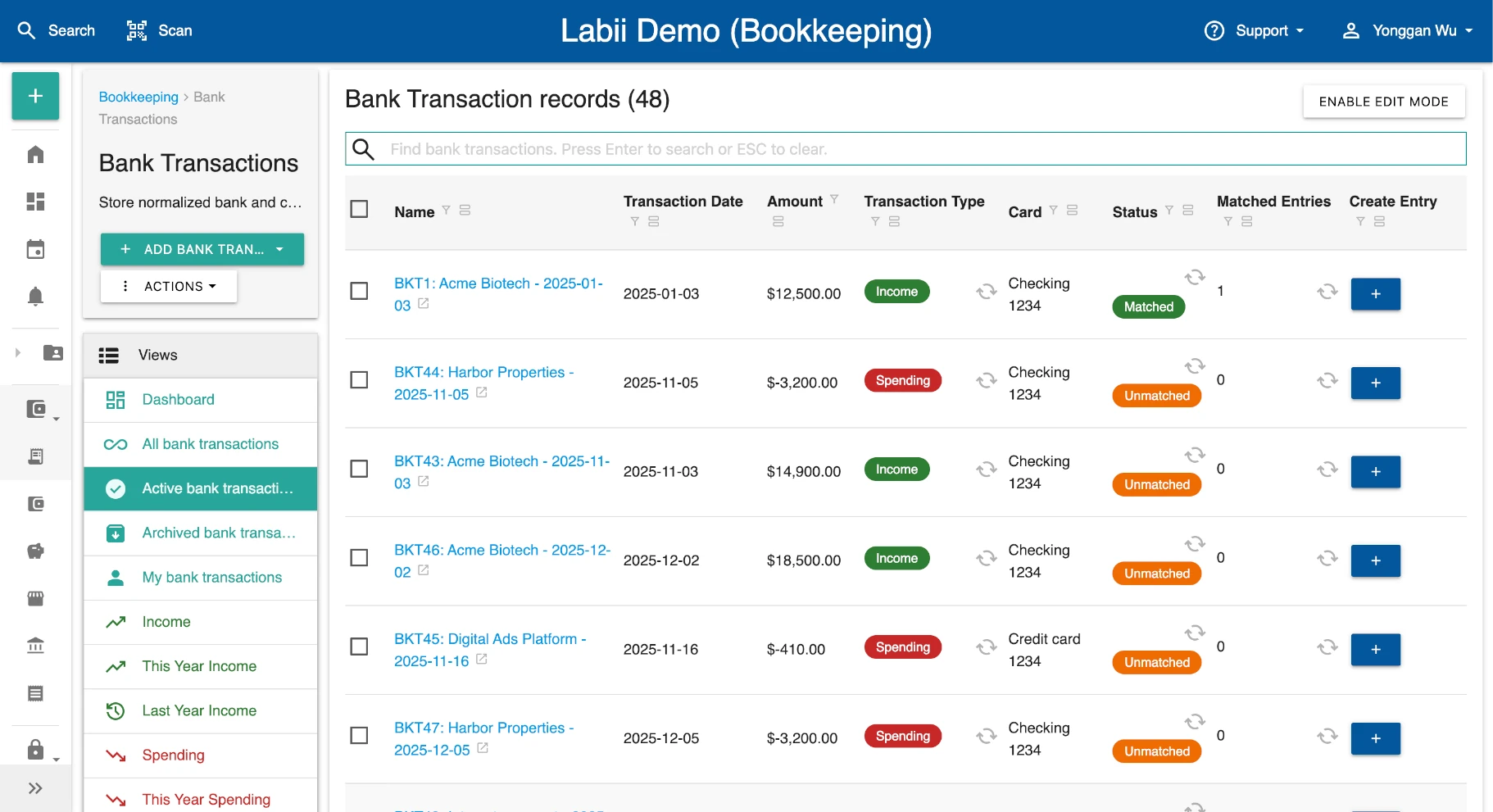
Labii Bookkeeping brings bank transactions, income, expenses, invoices, customer accounts, tax categories, and year-end balances into one configurable workspace. Import activity, reconcile it against existing entries, create missing records in one click, and monitor category totals without forcing your organization into a rigid accounting data model.
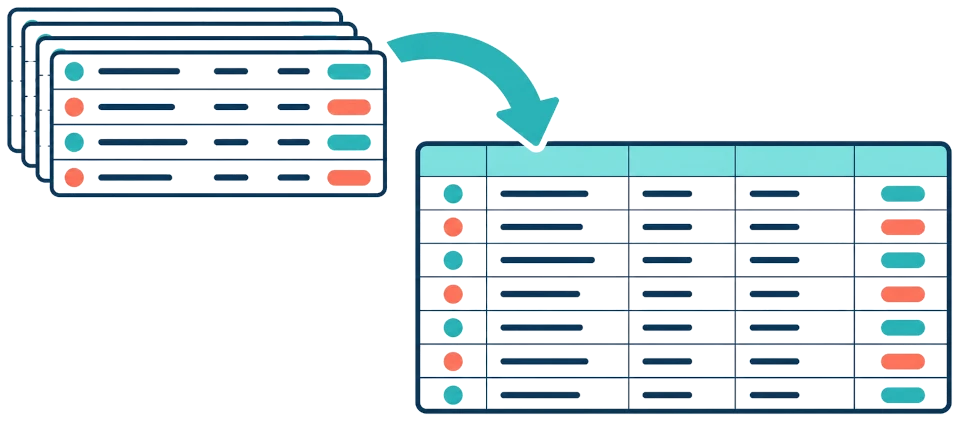
Bring Every Transaction Into One Trackable Table
Maintain a complete transaction register with dates, payees, amounts, accounts, references, and review status in one searchable table. Import transaction files directly to replace repetitive data entry while keeping every source row available for review.
Track Income and Expenses as Clear Bookkeeping Entries
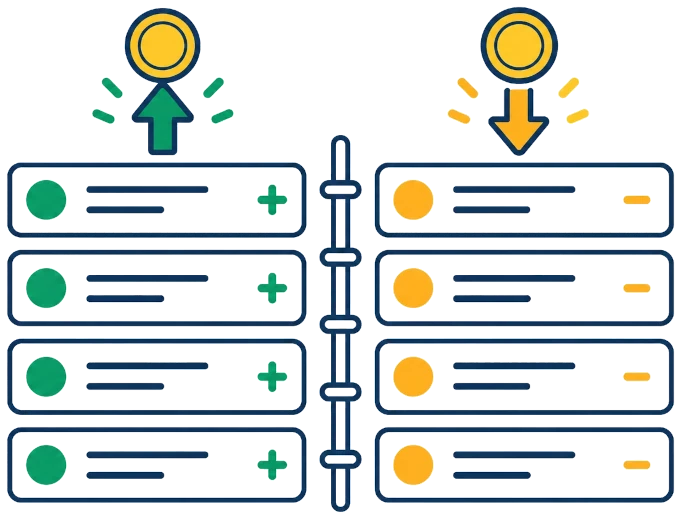
Use a dedicated bookkeeping-entry table to record money in and money out with category, account, date, amount, counterparty, attachments, and notes. Separate entries from imported transactions so your team can preserve the original bank activity while maintaining clean accounting records.
Know What Is Matched Before You Reconcile
Labii checks imported transactions against existing bookkeeping entries and updates each transaction to a matched or unmatched status. Teams can focus on exceptions, verify the suggested relationship, and keep transaction and entry records synchronized as information changes.

Turn an Unmatched Transaction Into an Entry in One Click

When no entry exists, create one directly from the imported transaction instead of retyping its details. Labii carries the transaction context into the new record, links the two records, and updates the matching status so the review queue stays current.
Organize Tax Categories and See Their Totals at a Glance
Assign tax-specific categories to bookkeeping entries and use a dashboard to review the summed value of each category. This structured view simplifies year-end preparation and gives your accountant a clear starting point for the applicable tax return; final tax treatment should be confirmed with a qualified tax professional.

Connect Bookkeeping With CRM, Invoices, and Existing Systems
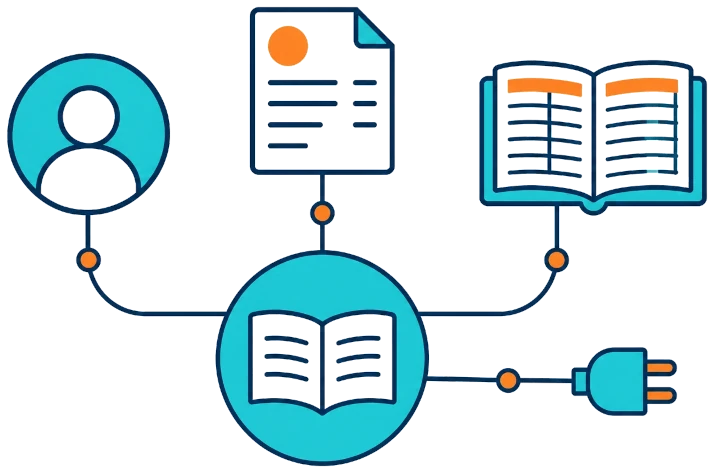
Link bookkeeping records with Labii CRM accounts and invoices so customer activity, payments, and year-end account balances remain connected. When another bookkeeping platform is part of your process, Labii can exchange data through configurable integrations instead of creating an isolated second set of records.
Build Bookkeeping Around Your Requirements
Control how many tables you use, which fields they contain, and how transactions, entries, accounts, invoices, tax categories, and supporting records connect. Instead of asking your team to adopt a fixed software structure, Labii lets you configure the structure and workflow around the way your organization already operates.
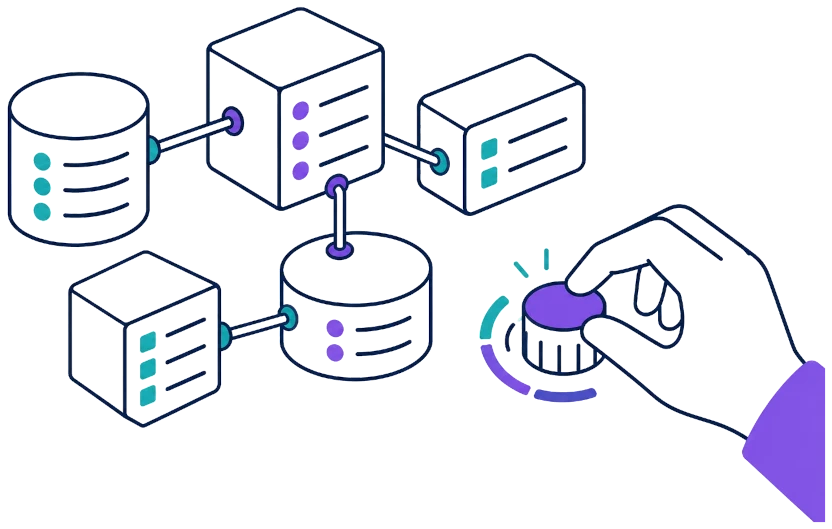
Bookkeeping Software Comparison
Bookkeeping products differ in how they import and reconcile transactions, connect operational data, and let teams shape their records. This comparison summarizes publicly documented approaches and highlights Labii's configurable, connected data model.
| Software | Transaction workflow | Connected operations | Configuration approach | Best fit |
|---|---|---|---|---|
| Labii Bookkeeping | Imported transaction table, automatic match status, and one-click entry creation | Native links to Labii CRM accounts, invoices, and other configurable records | Configurable tables, fields, relationships, dashboards, and workflows | Organizations needing bookkeeping embedded in a tailored operational data model |
| QuickBooks Online | Connected or uploaded bank transactions with matching, categorization, and reconciliation | QuickBooks integrations and a broad app ecosystem | Custom fields and accounting settings vary by plan | Small businesses seeking an established general accounting platform |
| Xero | Bank feeds or manual imports with suggested and automatic reconciliation | Invoices, bills, expenses, payments, and App Store integrations | Chart of accounts, tracking categories, bank rules, and connected apps | Small businesses and advisors prioritizing cloud accounting and reconciliation |
| Zoho Books | Automatic or manual bank feeds with matching, categorization, rules, and reconciliation | Zoho applications, payment gateways, banks, and third-party integrations | Module-level custom fields, including lookup and formula field types | Businesses already using the Zoho ecosystem or needing configurable accounting records |
| FreshBooks | Bank connections or CSV imports with likely matches and manual reconciliation | Invoices, expenses, payments, reports, and selected integrations | Accounting workflow centered on FreshBooks entries and chart-of-accounts records | Service businesses prioritizing invoicing, expenses, and approachable bookkeeping |
Coverage note (October 2026): This comparison reflects publicly documented product capabilities. Features, plan availability, integrations, and limits can change; confirm current requirements with each vendor.
Ready to Build a Better Way to Run Your Lab?
Turn scattered data and manual workflows into one configurable scientific platform. Start free to build your first Labii application, or request a personalized demo to see how your team can work faster, stay compliant, and scale without replacing the processes that already work.

Refer a company to Labii and earn free months for each seat they sign.